 BlurbStack
Instagram news graphic templates
Five 1080×1350 frames built for one job: making a news headline impossible to scroll past. Every example below is a real BlurbStack export — paste a news link and any of these comes back finished in seconds, with the headline rendered as real text that never garbles. Browse freely; no account needed until you export.
The classic news-account look
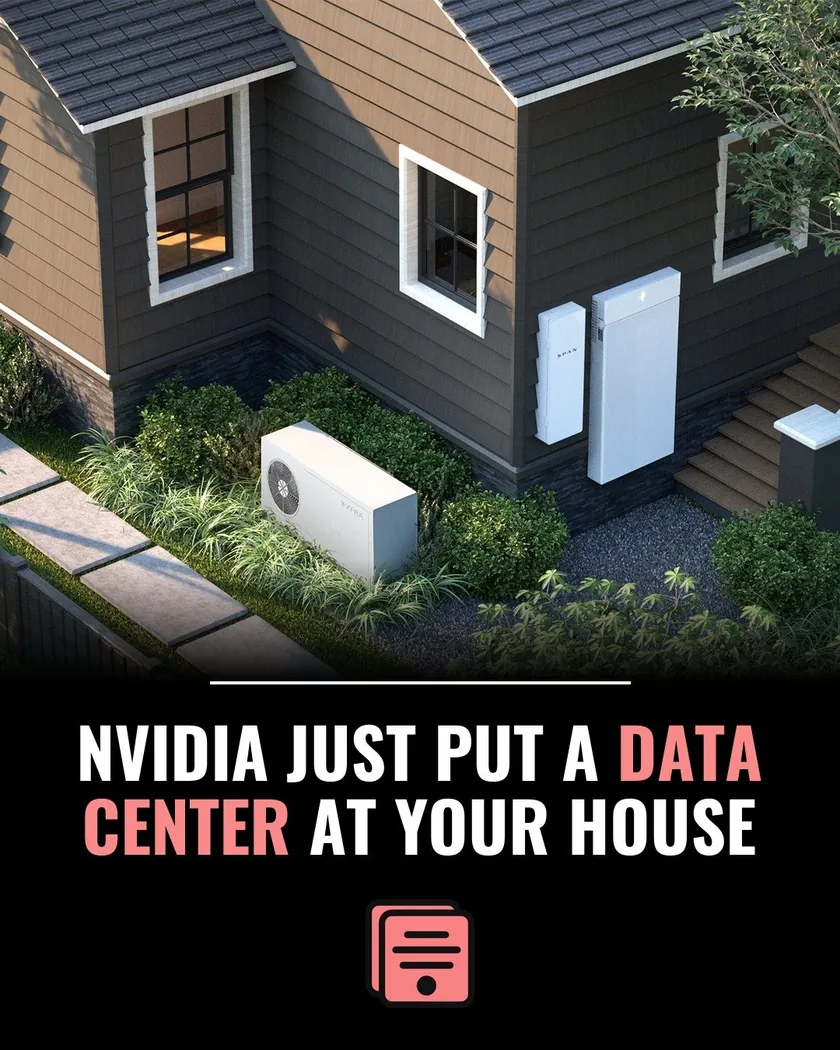
Black Bar News
A photo up top, a solid black bar below, and a big centered headline with your highlight color on the words that matter. This is the format the biggest news pages on Instagram trained audiences to trust — instantly readable in the feed, and the black bar keeps the headline legible no matter how busy the photo is. It's BlurbStack's default for a reason: when a story needs to look like news, this is the frame.
Best for: Local news pages, general news accounts, anyone starting out
Use this template — free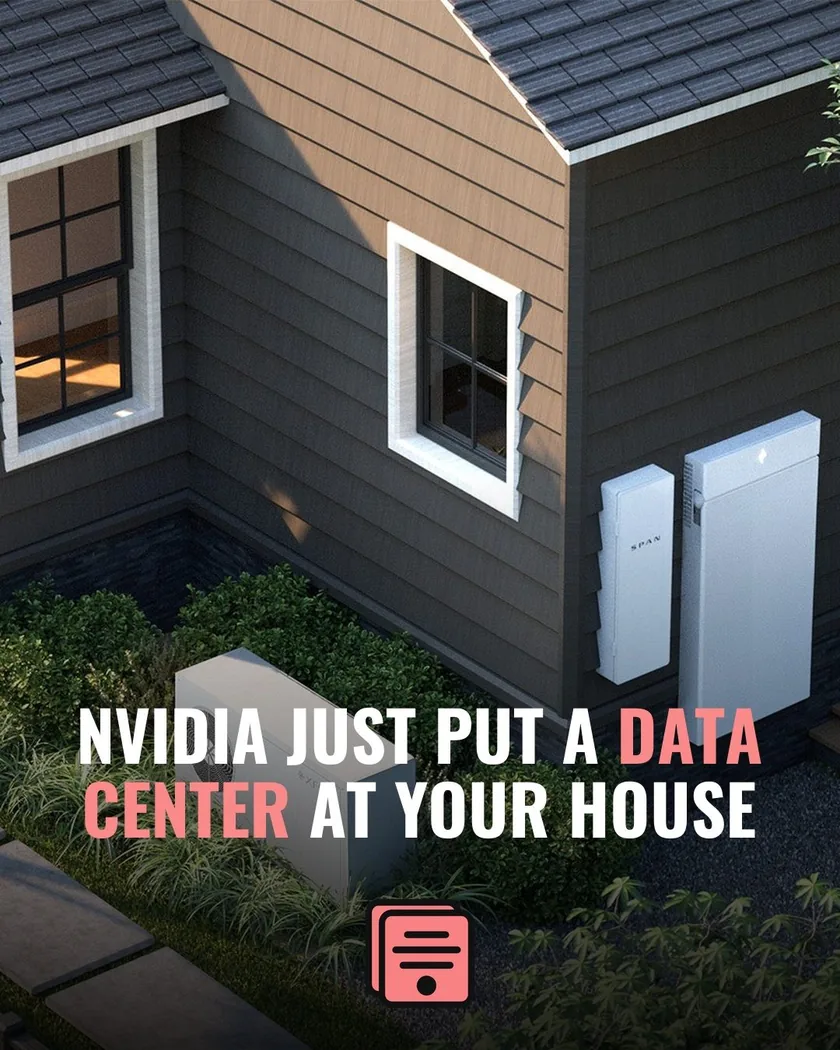
Magazine-style, photo-first
Editorial Gradient
The photo runs full-bleed from edge to edge, with a dark gradient rising from the bottom and the headline set over it. It reads more editorial than tabloid — the choice when the image itself carries the story (scenic shots, portraits, dramatic scenes) and you want the frame to feel premium rather than urgent.
Best for: Feature stories, lifestyle and culture news, strong photography
Use this template — free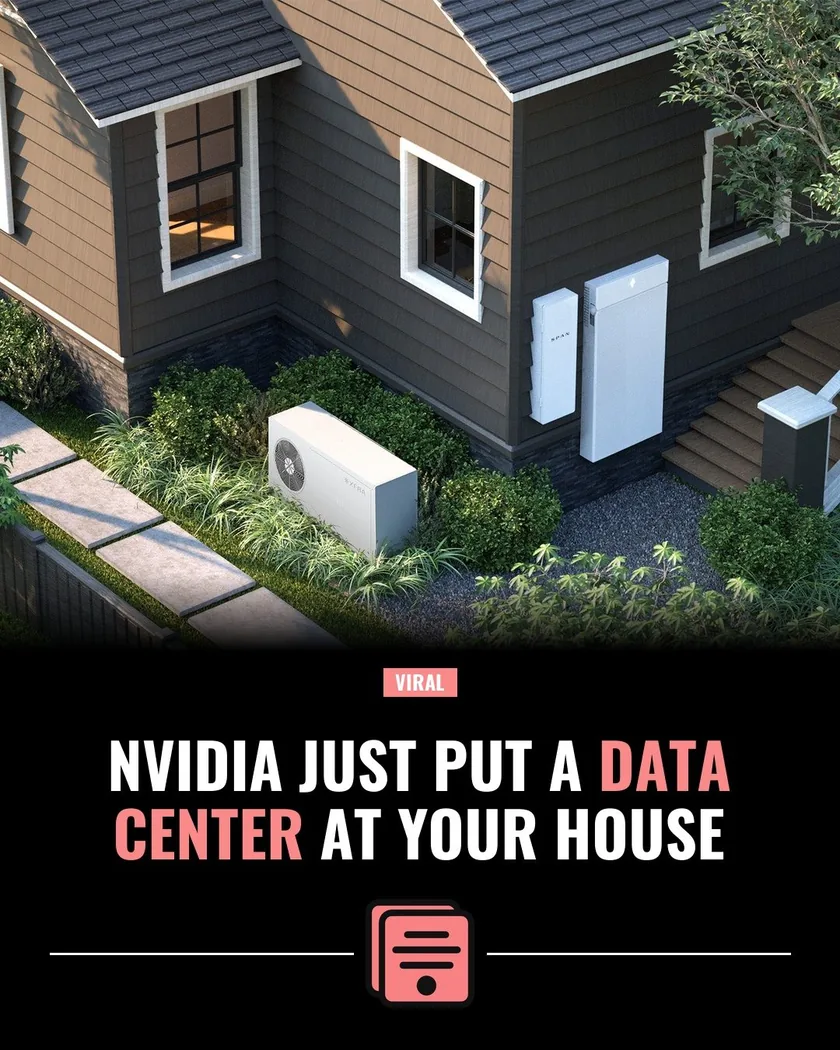
The meme-news energy frame
Viral Eyebrow
Photo on top, then a centered eyebrow badge — "VIRAL" by default, or any label and color you set — flanked by rule lines, your logo, and a stacked centered headline. That little badge does real work: it primes the reader that this one's worth stopping for. The format meme-news and commentary pages use to make every post feel like an event.
Best for: Meme & news pages, trending stories, commentary accounts
Use this template — free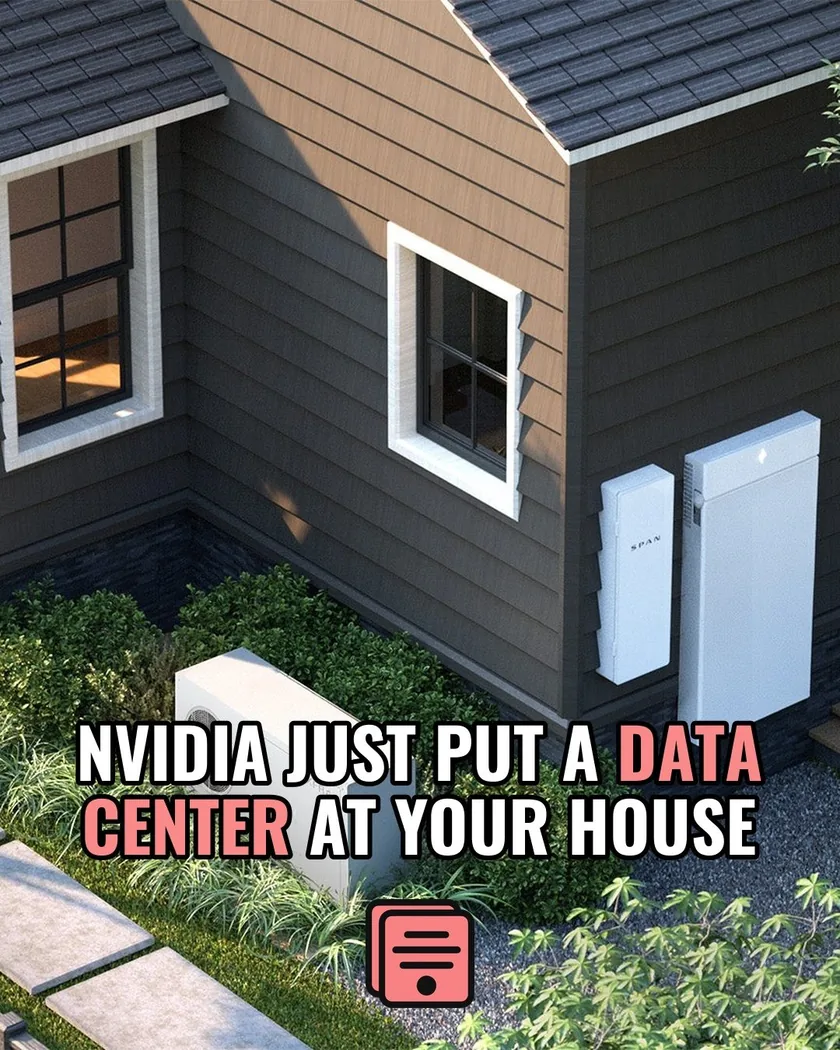
Loud, outlined, unmissable
Stroke Headline
One full-bleed photo with a huge black-stroked headline planted right on top of it. No bars, no gradients — just outlined type that stays readable over any image. It's the loudest frame in the set, built for stories where the headline IS the post and you want maximum stopping power in a fast-moving feed.
Best for: Breaking stories, hot takes, high-drama headlines
Use this template — free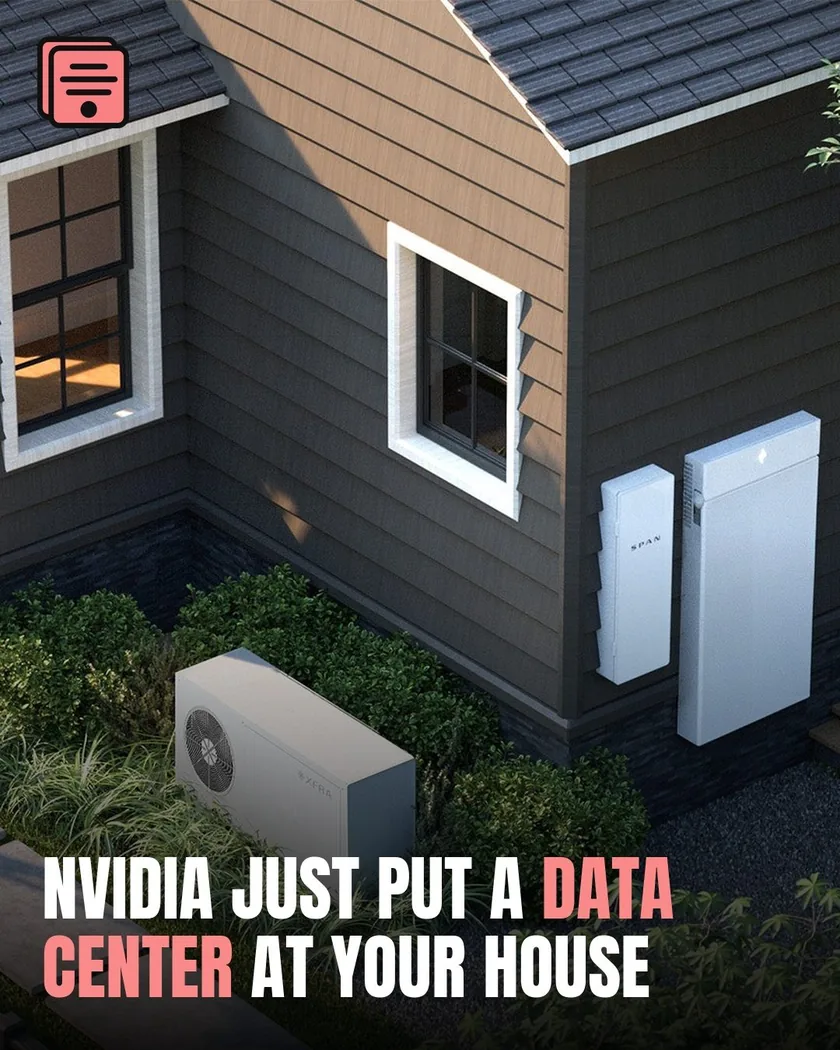
Heavy type, anchored low
Bottom Bold
Your logo sits small in the top corner while a heavy Anton headline anchors the bottom-left over a dark gradient. Left-aligned type gives it a documentary, hard-news feel — the frame that makes a page look like it has a design director. Up to four lines of headline without losing legibility.
Best for: Investigative angles, serious tone, pages building a premium brand
Use this template — freeMake any of them yours
Templates are starting points. Your project's brand kit applies your logo and highlight color automatically, and you can restyle any frame — font, alignment, letter case, eyebrow label and color — then save the variant as your own. New to news graphics? Start with how to make Instagram news graphics, the breaking news graphic guide, or the size spec cheat sheet. Comparing tools? See the best Instagram news graphic makers compared.
Questions
Are these Instagram news graphic templates free?
Yes. All five templates are included on every BlurbStack plan, including Free ($0, 10 tokens, no credit card). Manual posts — your own headline and photo on any template — never cost tokens.
What size are the graphics these templates produce?
1080×1350 pixels (4:5 portrait), Instagram's maximum feed size — the format that takes up the most screen when someone scrolls. Exports are JPG.
Can I customize a template to my brand?
Yes. Every project has a brand kit (logo, highlight color, default template), and you can restyle any template's colors, font (Oswald, Anton, Bebas Neue, Archivo, Inter, Playfair), alignment, and letter case, then save the variant as your own reusable template.
Do I have to design anything myself?
No. Paste a news-article URL and BlurbStack writes the headline and caption, generates the background image, and lays everything out on the template — you just edit words, tap words to highlight them, and export.