 BlurbStack
Instagram Image Sizes for News Posts (2026): The Complete Guide
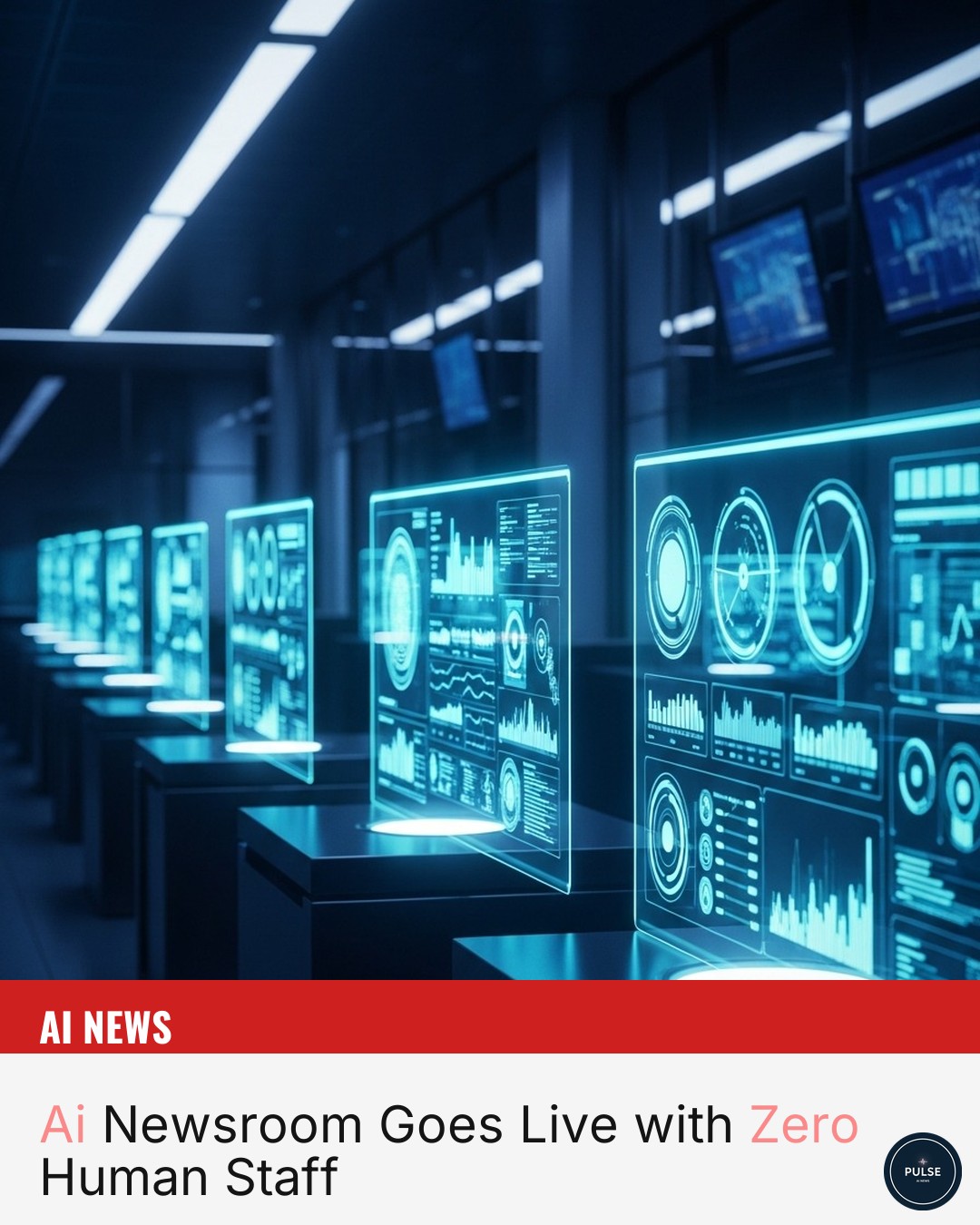
The right Instagram size for a news graphic is 1080×1350 pixels (4:5 portrait) — the most vertical space the feed allows. Export as an sRGB JPEG at quality 85–95, keep the headline and logo inside the center 1080×1080 square, and stay under ~1.6MB. Here's every number, and why it matters.
If you run a news or meme page on Instagram, the single fastest way to lose reach is to post a graphic at the wrong size. Instagram crops it, your headline gets clipped, and the post looks amateur in a feed full of polished competitors. This guide covers the exact sizes that work for news graphics in 2026 — and which one to default to.
The short answer: use 1080×1350
For news posts, 1080×1350 pixels (4:5 portrait) is the size to beat. It takes up the most vertical space allowed in the feed, which means your headline is physically larger on a phone screen than the same post at 1080×1080. More screen space is more stopping power, and stopping power is the whole game for news content.
Square (1080×1080) still works and is safe, but you're voluntarily giving up about 25% of the screen height. Unless you have a specific reason to go square, portrait is the better default.
Quick-reference table
| Format | Pixels | Aspect ratio | Use it for |
|---|---|---|---|
| Feed portrait | 1080×1350 | 4:5 | Default for news graphics |
| Feed square | 1080×1080 | 1:1 | Carousels, grid consistency |
| Stories / Reels | 1080×1920 | 9:16 | Breaking news, reshares |
| Profile grid thumb | 1080×1080 center | 1:1 crop | How the feed crops your portrait post |
Safe zones matter more than the canvas
Instagram shows your post at full 4:5 in the feed, but the profile grid crops it to a center square. If your headline runs to the very top or bottom of a 1080×1350 canvas, it'll be cut off when someone browses your profile.
Keep anything critical — the headline, your logo, the source credit — inside the center 1080×1080 region. Treat the top and bottom ~135px strips as bleed: good for background imagery, risky for text.
In pixels, on a 1080×1350 canvas:
| Zone | Pixels | What belongs there |
|---|---|---|
| Full canvas | 1080×1350 (y 0–1350) | Background imagery, gradients |
| Grid-safe center square | 1080×1080 (y 135–1215) | Headline, logo, source credit, "BREAKING" tag |
| Top bleed | 1080×135 (y 0–135) | Background only — cropped in the grid |
| Bottom bleed | 1080×135 (y 1215–1350) | Background only — cropped in the grid |
If you're placing elements by hand, those two y-coordinates — 135 and 1215 — are the lines nothing important should cross.
File format and quality
- Format: JPG for photographic backgrounds, PNG only if you need crisp flat color or transparency.
- Color: sRGB. Instagram assumes it, and anything else shifts on upload.
- Compression: export at high quality. Instagram re-compresses on its end, so starting from a soft file means the final post looks muddy. Start clean.
- Resolution: 1080px on the short edge is the sweet spot. Going larger (e.g. 2160px) doesn't help — Instagram downscales to 1080 anyway.
Those are the rules. Here are the numbers behind them.
JPEG quality: 85–95
Below quality 85, compression artifacts start showing in gradients and around text edges — exactly the two things a news graphic is made of. Above 95, file size balloons with no visible gain. The sweet spot is 85–95; BlurbStack exports at 95, the top of that range, so the file Instagram receives is as clean as JPEG gets. (In Photoshop terms that's roughly quality 11–12; in most web export dialogs it's the 90-ish slider position.)
sRGB, not Display P3
Instagram's pipeline assumes sRGB. Modern iPhones and Macs capture and preview in Display P3, a wider gamut — and if you export a P3 file, colors can shift when Instagram and various devices flatten it, most visibly on Android, where reds and oranges drift dull or oversaturated. The fix is one export setting: convert to sRGB (actually convert, don't just tag the profile). Your accent color should be the same red on every phone that sees it.
What happens if you export bigger than 1080 wide
Nothing good. Instagram downscales everything to 1080px wide, so a 2160×2700 export doesn't arrive sharper — it arrives resampled by Instagram's scaler, which decides how your text edges and fine lines survive. Export at exactly 1080×1350 and the pixels you sharpened are the pixels people see. Your sharpening survives, not theirs. Upscaling a smaller image past 1080 is even worse: you're adding softness for Instagram to recompress.
The ~1.6MB ceiling
Instagram recompresses every upload, but it gets aggressive above roughly 1.6MB — big files take a visibly harsher pass. In practice this is easy to stay under: a 1080×1350 JPEG at quality 85–95 with a photographic background lands around 200–600KB. If your export is multiple megabytes, something upstream is wrong — usually a 2× canvas or a photo saved as PNG.
Reusing one export for Stories and carousels
You don't need three separate designs for feed, Stories, and carousels — you need one correct master and two rules:
- Feed post → Story reshare: when you share your own 1080×1350 post to a Story, Instagram places it on a 1080×1920 canvas with dead space above and below. That's fine — it's the native reshare look, and the tap-through to the post is the point. Only build a dedicated 1080×1920 version when the Story is the product (a breaking alert you want full-bleed), and keep its text inside the middle of the frame: the top ~250px and bottom ~310px are covered by the username bar and reply field on most phones.
- Carousels: every slide in a carousel gets the aspect ratio of the first slide. Post a 4:5 cover and every following slide displays at 4:5 — so build all slides at 1080×1350 from the start. Mixing sizes is how slide 3 ends up awkwardly cropped.
One master size, applied consistently, beats three half-maintained variants.
The text problem nobody warns you about
The hardest part of a news graphic isn't the size — it's keeping the headline legible. A great background with an unreadable headline is a dead post.
This is also where a lot of AI image tools fall down: when text is drawn into a generated image, it garbles, misspells, and warps. For a news page, that's fatal — credibility is the product. The fix is to render the headline as real text on top of the image, never as part of the generated pixels. That's exactly how BlurbStack builds posts: the AI generates the background, but the headline and caption are laid out by a deterministic template engine, so they're always sharp and spelled correctly. (More on that in how to make Instagram news graphics.)
The full spec, on one line
| Setting | Value |
|---|---|
| Canvas | 1080×1350 px (4:5) |
| Grid-safe zone | Center 1080×1080 (y 135–1215) |
| Format | JPEG (PNG only for flat color / transparency) |
| JPEG quality | 85–95 (BlurbStack exports at 95) |
| Color profile | sRGB (converted, not just tagged) |
| File size | Under ~1.6MB — typically 200–600KB |
Pin that table next to your export dialog and you'll never lose a post to sizing again.
So what should you default to?
Portrait, 1080×1350, headline and logo inside the center square, exported as an sRGB JPEG at quality 85–95. That covers ~90% of news posts. Reach for square when you're building a carousel, and 9:16 when you're pushing something to Stories.
If you're producing these at volume across multiple brands, doing it by hand in a design tool gets slow fast — that's the problem BlurbStack was built for: paste a link, get a correctly-sized, on-brand post in seconds.
Questions
What is the best image size for Instagram news posts?
1080×1350 pixels — 4:5 portrait. It fills the maximum vertical space Instagram allows in the feed, making your headline about 25% larger on screen than the same post at 1080×1080 square.
Does Instagram reduce image quality when you post?
Yes. Instagram downscales anything wider than 1080px and recompresses every upload — aggressively above roughly 1.6MB. Export at exactly 1080×1350 as an sRGB JPEG at quality 85–95 and the recompression pass is barely visible.
Should news graphics be square or portrait on Instagram?
Portrait (4:5) for single news posts — the extra height is free stopping power. Use square (1:1) for carousels and grid consistency, and keep critical text inside the center square either way, since the profile grid crops portrait posts to 1:1.
Keep reading
- How to make a breaking news graphic — where these dimensions meet deadline pressure.
- How to write Instagram headlines that get shares — sizing keeps text legible; this makes it worth reading.
- The template gallery — five 1080×1350 frames built around these exact specs.
- Running a meme or news page? The size rules above are baked into every template.
Turn your next article into a post.
Paste a news link and BlurbStack writes the headline, caption, and background image in seconds.
Try BlurbStack free