 BlurbStack
How to Start a News Instagram Page in 2026 (Step-by-Step)
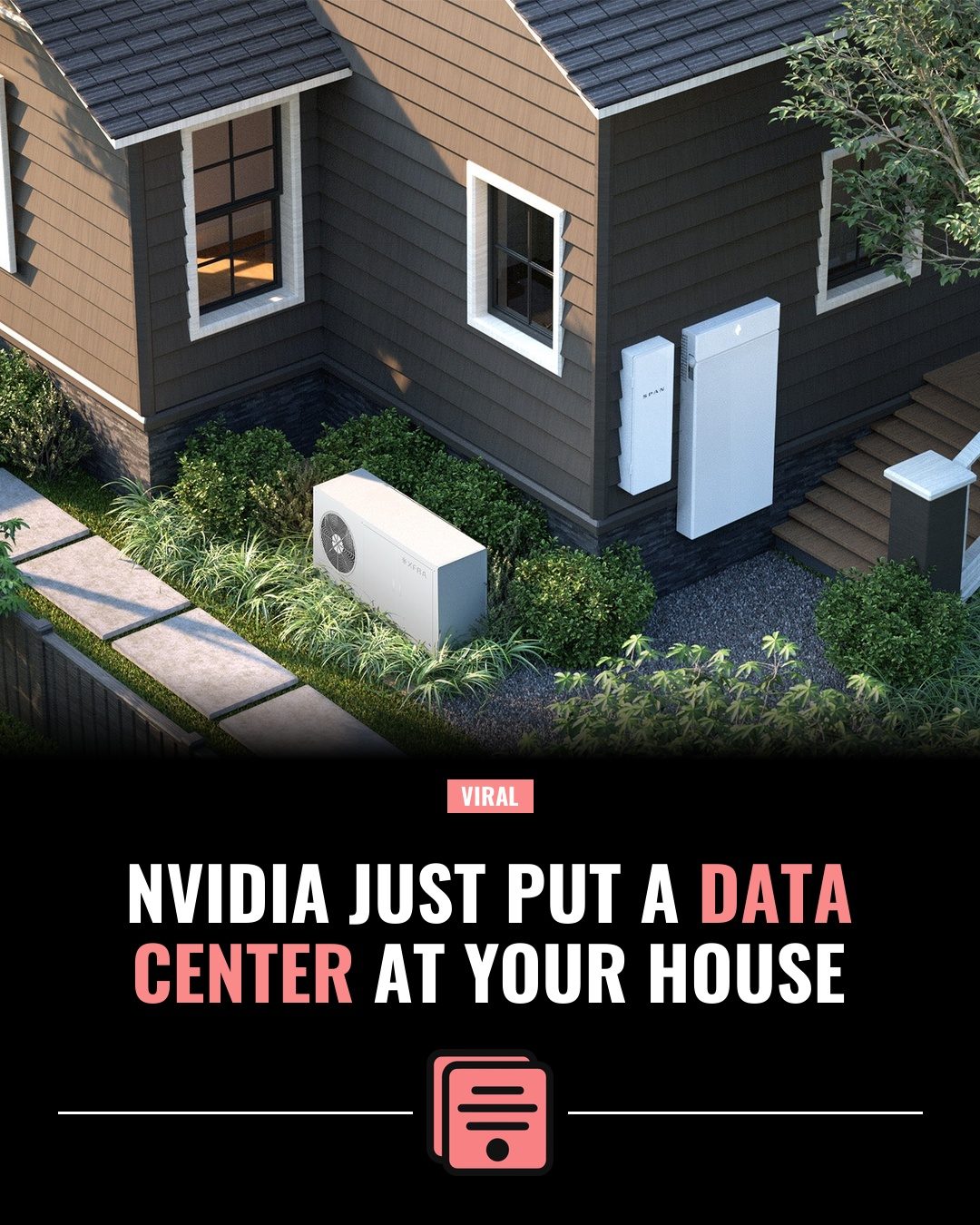
To start a news Instagram page, pick a specific niche and geography (one city, one sport, one industry), set up an Instagram Business account, lock in one recognizable visual template, and post one to three stories a day sourced from credible outlets — with headlines rewritten in your own words and sources credited. Then engage hard in the first hour after every post. That's the whole model. The rest of this guide is how to do each piece right.
News pages are one of the few Instagram formats that still grow from zero, because the content renews itself every single day. You never run out of material — the news keeps happening. But the pages that win all make the same handful of decisions early, and the pages that stall skip them. Here are those decisions, in order.
1. Pick a niche that can actually win
The most common mistake is starting a "news" page. Just news. Everything, everywhere.
Here's the problem: general news is a category you cannot win. CNN, AP, and every national outlet already own it, with newsrooms of hundreds and verified checkmarks. When someone sees a national story on your page, they've already seen it three times from accounts with more credibility than you'll have for years. You're a worse version of something that already exists.
Niche pages flip that. A page covering one city, one sport, or one industry competes against almost nobody — and for its audience, it's often better than CNN, because CNN doesn't care about your city's pothole budget or your team's third-line prospect.
Three niche shapes that reliably work:
- Local news. One city or one region. This is the strongest niche on Instagram right now — local newspapers have hollowed out, and people genuinely want to know what's happening in their town. If this is you, we wrote a whole page for local news pages.
- One sport or one team. A single fanbase is a pre-built community with a shared identity. They follow, they comment, they argue.
- One industry or beat. AI news, real estate news, aviation, true crime, music industry — anything with daily developments and an audience that self-identifies with it.
The test: can you name the specific person who needs this page? "People who live in Tucson" is a niche. "People who like news" is not.
2. Choose a name, handle, and bio that say the niche out loud
Don't be clever. Be literal.
Your name and handle should tell a stranger exactly what the page covers before they read a single post. "@TucsonUpdates" beats "@DesertDispatch" every time, because when your page shows up in search or in a share, the handle is the pitch. Vague, brandy names cost you follows from people who would have loved the page but couldn't tell what it was.
The formula that works: [place or topic] + [news word]. Updates, News, Daily, Report, Wire. Boring is fine. Boring is good — you want the searchable phrase in the handle, because Instagram search matches on usernames and names first.
Then the bio. You get about 150 characters; spend them answering one question: why should I follow? A working structure:
- Line 1: what you cover ("Daily news for Tucson & Southern Arizona")
- Line 2: what you post and how often ("2-3 local stories a day")
- Line 3: how to reach you ("DM story tips")
That last line matters more than beginners expect. Once you have even a small local audience, your followers become your fastest source — people DM you things before they're anywhere else.
3. Set up a Business account (it takes five minutes)
Create the account, then switch it to a Business account in settings (Settings → Account type). It's free, and it unlocks the three things a news page can't run without:
- Insights — you need to know which stories actually perform, not which ones you liked posting.
- Contact buttons — an email button on your profile is where your first promo inquiry will arrive.
- Scheduling and professional tools — you'll want to schedule posts eventually, and Business accounts get the native tooling.
While you're in there: set a profile photo that reads at tiny sizes (a simple logo mark, not a photo with text), and turn on notifications for comments. You'll see why in step 7.
That's the whole technical setup. Don't overthink this step — the account itself is the easy part. The next step is the one that actually determines whether the page looks legitimate.
4. Build your visual identity once — then never touch it
Here's the thing nobody tells beginners: your template is your brand. Not your logo, not your name — the frame your headlines live in.
Think about the news pages you recognize instantly in your feed. You know it's them before you read a word, because every post looks the same: same layout, same fonts, same accent color, same logo in the same corner. That instant recognition is the compounding asset. Every post you publish either deposits into it or withdraws from it.
So make these decisions once, before your first post:
- One template layout. Where the headline sits, where the photo sits, where your logo goes. Pick it and lock it.
- One or two fonts. A bold headline font and that's basically it.
- One highlight color. A single accent color you use to highlight the one or two key words in every headline. This becomes your signature faster than the logo does.
- A simple logo mark. It just needs to survive being small.
The failure mode is redesigning every post from scratch in a general design tool — post #40 looks nothing like post #4, and the page reads as a hobby instead of a publication. The fix is a locked template system: the layout is fixed, and only the headline, photo, and caption change per post. This is exactly the problem BlurbStack was built around — you set up a brand kit per project (logo, colors, fonts, default template) and every post comes out matching. There are 5 templates to lock onto — Black Bar News, Editorial Gradient, Viral Eyebrow, Stroke Headline, and Bottom Bold — and you can see all of them with real exports in the template gallery.
One production rule regardless of what tool you use: headlines must render as real text, never baked into an AI-generated image where words warp and misspell. A typo in a news graphic is a screenshot waiting to happen, and screenshots of your mistakes travel faster than your posts do. The full production workflow is in how to make Instagram news graphics, and the dimensions you should standardize on are in the size guide — short version, 1080×1350 portrait.
5. Source stories ethically (this is non-negotiable)
You're not a reporter — at least not yet. You're an aggregator and translator: you find stories from credible sources and repackage them for a feed. That's a legitimate, valuable job, and there's a right way to do it.
The rules:
- Source from credible outlets. Local TV stations, established newspapers, official government and police feeds, verified team or company accounts. If you can't tell where a story originally came from, don't post it.
- Rewrite the headline in your own words. Never copy an outlet's headline verbatim. This isn't just ethics — it's also better content, because outlet headlines are written for Google, not for a feed. (The rewrite formula is in how to write Instagram headlines that get shares.)
- Credit the source, every time. Name the outlet in your caption ("via KGTV" / "first reported by the Tribune") and link the article in your story or bio link. Crediting costs you nothing and builds the credibility that everything else depends on.
- Never copy body text. Summarize the facts in your own sentences. Lifting paragraphs is plagiarism, full stop.
For what it's worth, this is my actual daily routine, not theory. I run a local San Diego news and humor page, and my sourcing loop every morning is the same three passes: the local TV station sites, the city's subreddits, and official feeds (city government, police, transit, the teams). Reddit in particular surfaces stories hours before they hit TV — a thread blowing up about a road closure or a restaurant closing is often your earliest signal. BlurbStack exists because I was doing that loop every day and got tired of the twenty minutes of design work between "found the story" and "posted the story."
Build your own version of that loop: bookmark five credible sources for your niche, check them at the same times every day, and keep a running note of stories worth posting.
6. Find your posting rhythm — consistency beats bursts
The floor is one to three posts a day. Every day.
Not ten posts on Saturday and silence until Thursday. The algorithm reads consistent daily posting as a live, active account, and — more importantly — your audience builds a habit around you. A news page that posts daily becomes part of someone's morning routine. A page that posts in bursts is a page they forget exists.
If one-a-day feels hard, that's usually a production problem, not a content problem. The news exists; turning it into a branded post is the bottleneck. This is why locking your template in step 4 matters so much — when the design is decided, a post is just headline + photo + caption, and that's a minutes-long job instead of an hour-long one. (In BlurbStack, a full AI post — paste the URL, get the headline, caption, and finished graphic — costs 2 tokens, and manual posts are always free, so the daily floor is genuinely sustainable at $0.)
Then there's the growth lever on top of the floor: breaking news, posted fast. When something big happens in your niche and you're the first page your audience sees it from, you gain more followers in a day than a normal month of steady posting. Speed is the whole game there — the page that posts a clean, branded graphic first gets the shares. Have a breaking-format version of your template ready before you need it; here's how to make a breaking news graphic so the format is decided before the adrenaline hits.
Rhythm summary: 1-3 solid posts daily as the floor, breaking news as fast as humanly possible as the ceiling.
7. Write captions that start conversations — then show up for them
The graphic stops the thumb. The caption does two other jobs: it adds the detail that didn't fit in the headline, and it starts the comment section.
- Front-load the first 125 characters. That's roughly what shows before "…more" in the feed. Put the most important fact or the hook there — treat it like a second headline.
- Then add the context. Two to four short sentences with the details, plus your source credit.
- End with a question. "Have you noticed this on your commute?" "Right call or overreach?" A direct question reliably multiplies comments, and comments are the strongest engagement signal a post can send.
Then the part most new pages skip: be in your own comments for the first hour after posting. Reply to people. Answer questions. Pin a good comment. Early engagement tells Instagram the post is worth showing to more people, and — the longer game — a news page where the operator actually responds feels like a community instead of a feed. That feeling is why people follow a small page over a network.
This is also where your niche pays off again. On a local page, comments turn into tips, corrections, and firsthand accounts. Your comment section becomes a source.
8. Think about monetization later — after trust
Yes, news pages make money. Local business promos, brand deals, shoutouts, affiliate posts, even tip-offs to paid gigs. But every one of those is downstream of the same asset: an audience that trusts the page.
So the honest sequencing is: don't think about monetization until you have a real, engaged audience in your niche — and when the time comes, you won't have to chase it. Local businesses DM news pages that clearly own their city. Brands find the page that owns the beat. The work now is the boring part: post daily, credit sources, look consistent, reply to comments. The inbound comes to pages that did that for months, not weeks.
If your page leans funny — memes mixed with real local stories — that's a legitimate lane too, and often a faster-growing one; see how the workflow fits meme and news pages.
Your first-week checklist
- Pick the niche and write down who it's for.
- Claim a literal handle; write the three-line bio.
- Switch to a Business account.
- Lock your template, fonts, highlight color, and logo placement.
- Bookmark five credible sources and set your daily check times.
- Post one story a day for seven straight days.
- Reply to every comment in the first hour.
That's the whole machine. Everything after week one is just running it, faster.
If the production step is what's slowing you down, that's the part BlurbStack automates: paste a news link, get a finished, on-brand 1080×1350 post with a real-text headline in seconds. The Free plan is $0, comes with 10 tokens, and doesn't ask for a card — enough to post your first week and see if the machine runs.
Questions
Do news Instagram pages make money?
Yes — established niche news pages earn through local business promos, brand deals, shoutouts, and affiliate content. But monetization follows audience trust, not the other way around. Build a consistent, credible page in a specific niche first; the inbound inquiries come once the page clearly owns its beat.
Is it legal to repost news on Instagram?
Facts themselves aren't owned by anyone, and the common practice among news pages is to report stories in their own words: rewrite the headline, summarize the facts in original sentences, use your own or properly licensed imagery, and credit and link the original outlet. What you can't do is copy an outlet's article text or lift their photography wholesale. When in doubt, rewrite more and credit clearly. (This is common-practice guidance, not legal advice.)
How often should a news page post?
One to three posts a day is the working floor, every day. Consistency matters more than volume — a steady daily rhythm builds audience habit and algorithmic trust, while bursts followed by silence do neither. On top of the floor, post breaking news in your niche as fast as you can; speed on big stories is where follower spikes come from.
Do I need a designer to run a news page?
No. You need one good template decision made once — layout, fonts, highlight color, logo placement — and then a system that applies it to every post automatically. Template-based tools (BlurbStack among them) exist specifically so a one-person page can look like a publication without hiring anyone or opening Photoshop.
Keep reading
- How to make Instagram news graphics (without a designer) — the 5-step production workflow behind every post your new page will publish.
- How to write Instagram headlines that get shares — the 8-12 word formula, the curiosity gap, and before/after examples.
- How to make a breaking news graphic — the highest-stakes format; decide it before the big story hits.
Turn your next article into a post.
Paste a news link and BlurbStack writes the headline, caption, and background image in seconds.
Try BlurbStack free